
Working From Home This December? Here’s How South African Businesses Can Avoid a Holiday Cyber Hangover
Look up at the stars and not down at your feet. Try to make sense of what you see, and wonder about what makes the universe exist.
December work-from-home in South Africa is… different.
Half the team is on leave, the other half is “semi-online”, Eskom still has opinions, fibre lines get cut, and laptops move between homes, lodges, guesthouses, and relatives’ dining room tables.
From an IT and cybersecurity perspective, this is the most fragile period of the year.
At RALM Cloud, we see a spike every December in:
- Account compromises
- Lost or stolen devices
- Ransomware incidents
- Business email fraud
- “We’ll fix it in January” IT decisions that cost a lot more in February
This post isn’t about fear — it’s about realistic, practical protection for South African businesses whose teams are working remotely over the holidays.
Let’s talk about where things usually go wrong, and how to avoid starting the new year with an IT mess.
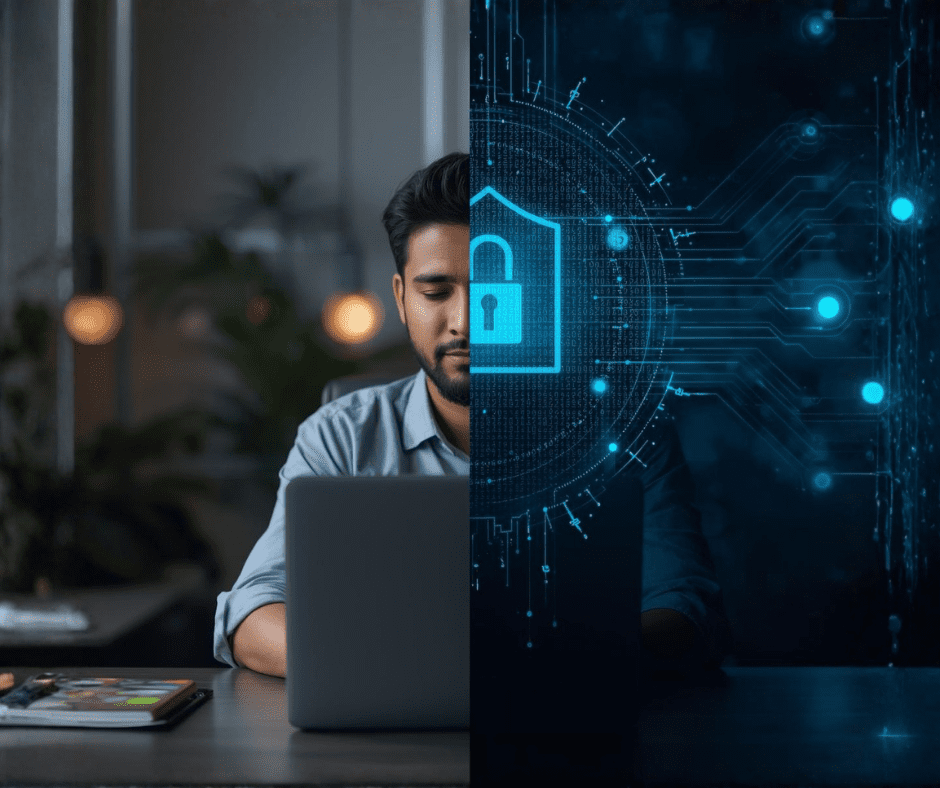
1. “It’s Just Email” – Until It Isn’t
Most December breaches start with email.
A fake courier notice.
A holiday invoice.
A “DocuSign” or “Microsoft security alert”.
When staff are tired, distracted, or checking email on their phones between errands, phishing works frighteningly well.
What businesses should do
- Enforce multi-factor authentication (MFA) on all email accounts.
- Enable advanced phishing protection.
- Disable legacy email authentication.
- Train staff to pause before clicking — especially in December.
👉 RALM Cloud Email Security & Monitoring: https://cloud.ralm.tech
2. Personal Devices Masquerading as Work Devices
During shutdown, laptops get shared:
- “Just quickly let my kid use it”
- “I’ll check Netflix after hours”
- “I downloaded this free PDF editor”
That’s how malware sneaks in.
What businesses should do
- Separate work and personal use clearly.
- Lock down admin privileges.
- Deploy endpoint protection with behaviour-based detection.
- Encrypt all drives.
👉 RALM Cloud Endpoint Security solutions
3. Home Networks Are Not Office Networks
Most home routers still run default settings.
Passwords are weak.
Firmware hasn’t been updated since load shedding Stage 2 was a thing.
Cybercriminals know this.
What businesses should do
- Enforce VPN access for remote staff.
- Block direct access to internal systems.
- Use zero-trust principles: verify every login, every time.
- Avoid exposing RDP or admin ports to the internet.
4. Load Shedding + Remote Work = Data Loss Risk
When power drops mid-save or mid-upload, files corrupt.
When devices power off unexpectedly, backups fail.
We’ve seen entire December project folders vanish this way.
What businesses should do
- Ensure cloud-based file storage with versioning.
- Automate backups.
- Enable battery health monitoring.
- Test restores before shutdown.
👉 RALM Cloud Backup & Recovery: https://cloud.ralm.tech
5. “We’ll Fix It in January” Is an Expensive Strategy
Delayed patching is one of the biggest December risks.
Cybercriminals actively scan for unpatched systems because they know businesses are slow to respond over the holidays.
What businesses should do
- Apply all critical patches before shutdown.
- Enable automatic updates where possible.
- Use managed monitoring so issues are flagged even when your team is offline.
“Success is the result of perfection, hard work, learning from failure and persistence”
Colin Powell

6. Business Email Compromise Peaks in December
Finance teams are thin.
Decision-makers are away.
Approvals get rushed.
Perfect conditions for impersonation fraud.
What businesses should do
- Enforce dual approval for payments.
- Lock down finance mailboxes.
- Monitor for suspicious inbox rules.
- Educate staff on executive impersonation scams.
7. Cloud Access Without Governance
Staff log in from everywhere: phones, tablets, personal PCs.
Without visibility, you don’t know:
- Who accessed what
- From where
- On which device
What businesses should do
- Use conditional access policies.
- Restrict logins based on device compliance.
- Monitor unusual sign-in behaviour.
8. Lost Devices, Real Consequences
December travel = lost laptops.
If data isn’t encrypted, that’s a POPIA nightmare.
What businesses should do
- Enable full disk encryption.
- Activate remote wipe.
- Track devices.
- Store sensitive data in the cloud, not locally.
9. Skeleton IT Teams Need Backup Too
Even internal IT teams deserve leave.
But systems still need monitoring.
What businesses should do
- Use a managed IT partner over shutdown.
- Enable alerting and escalation.
- Document emergency procedures clearly.
👉 RALM Managed IT & Holiday Coverage
10. A Simple Pre-Holiday IT Checklist Changes Everything
Before closing:
- Confirm backups
- Lock down access
- Rotate admin passwords
- Enable alerts
- Communicate expectations to staff
This one-hour investment can save weeks of recovery later.
FINAL THOUGHTS
December should be for rest — not incident response.
Remote work doesn’t have to mean risky work. With the right controls, visibility, and support, South African businesses can enjoy shutdown season without anxiety.
At RALM Tech and RALM Cloud, we help businesses prepare once so they don’t have to panic later.